Knowing when changes are coming in CAS SciFinder is important to you. To help ensure you are prepared to handle questions you may receive from your users when changes occur, we will provide a preview version of the latest release notes below.
Notes will be posted approximately one week prior to each release, which are scheduled every four weeks. Occasionally a change may not be included in this preview or actually be released since they are posted before the release is finalized. As always, final release notes will be added to the What’s New? section in the CAS SciFinder solution in conjunction with the actual release.
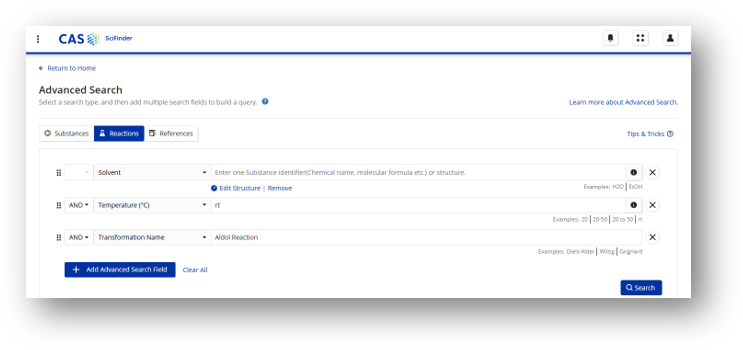
Advanced search query support has been expanded with the introduction of reaction advanced search. This will give users new controls for discovering reaction information, with fielded search options and support for combined text and structure searches.
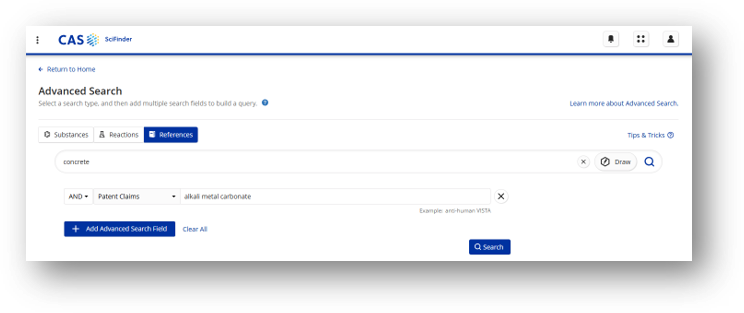
Search Enhancement: Search Patent Claims
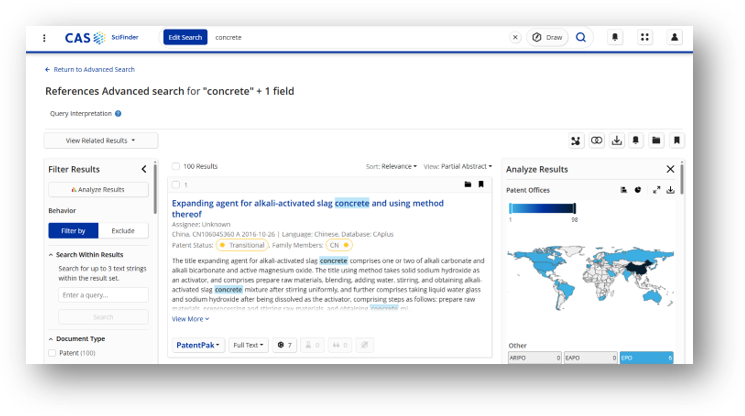
Reference advanced searching has been expanded with search patent claims. Users can now narrow their searches to only those with text present in the claims of patents matching the query.
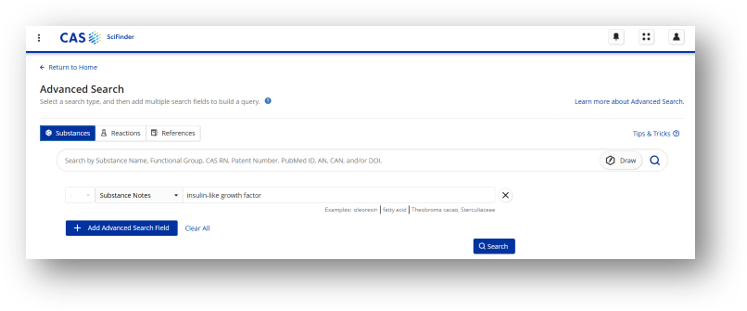
Search Enhancement: Search Substance Notes
Substance advanced search now supports searching against substance notes, providing a more targeted search for substances with modifications that are described as text.
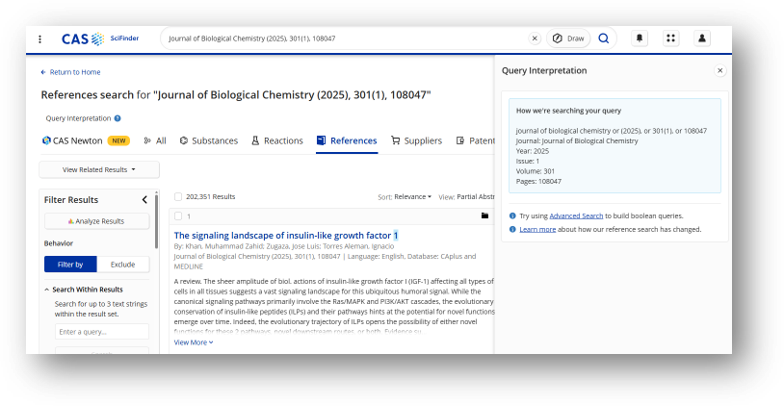
SearchSense has been improved to recognize queries containing bibliographic details. The query interpretation panel now displays how bibliographic queries are parsed and searched.
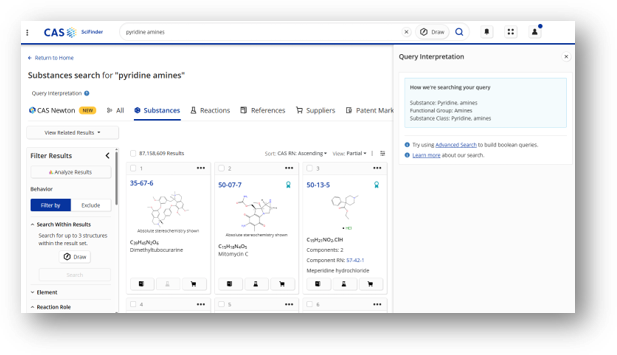
SearchSense has been improved with greater transparency on recognizing various types of substance information. When substance classes or functional groups are recognized in the query, the Query Interpretation presents recognition to the user.
Alert Enhancement: Include Optimized Query
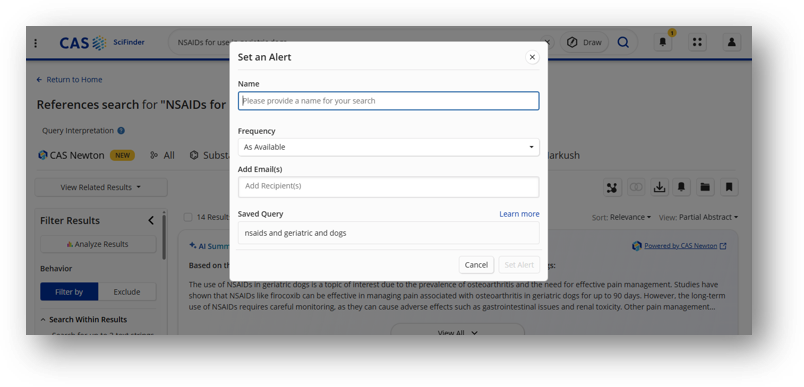
If a user chooses to set an alert on a query optimized by SearchSense, information is presented about the optimized query that will be utilized for alerting. This provides greater transparency to the user about modifications made to the query on their behalf.
Alert Enhancement: UI Improvements
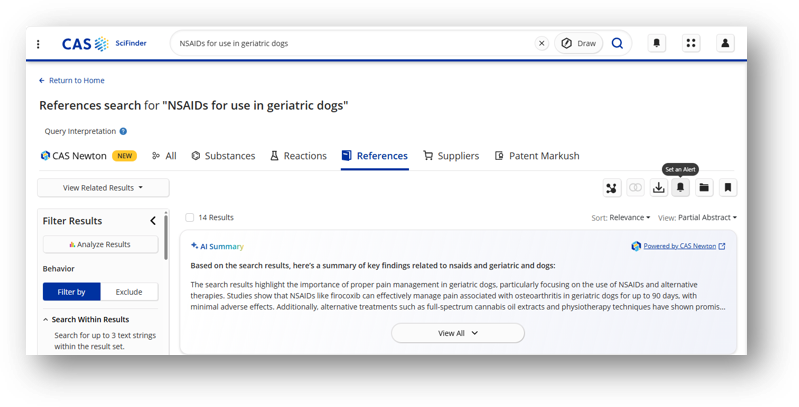
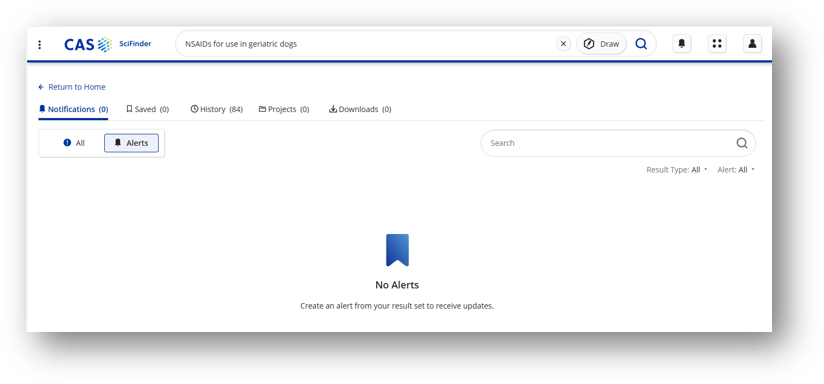
The process of setting an alert and reviewing notifications has been improved with UI updates. On the result page, the option to set an alert has moved out of the “save” menu:
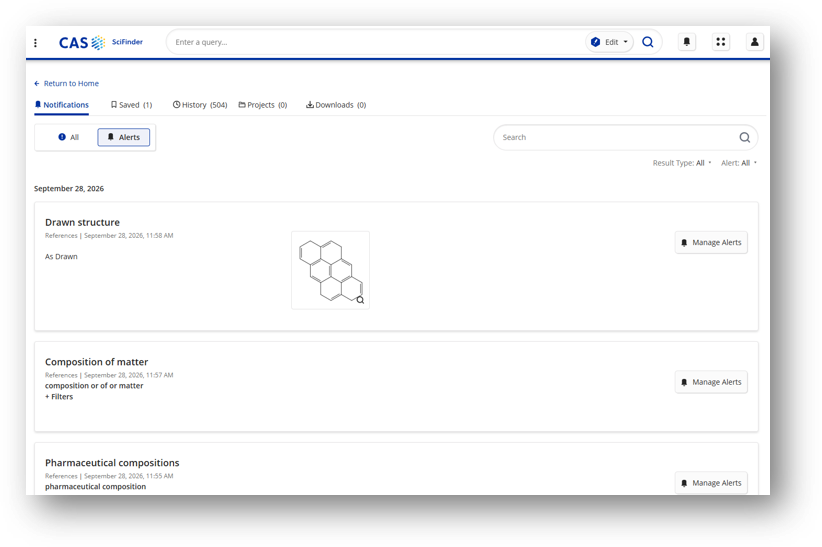
The notifications page has been updated to toggle between all updates and alert notifications only.
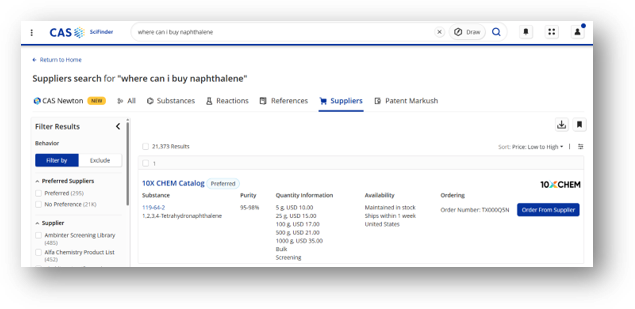
Supplier Results Enhancement: UI Improvement
The “order from supplier” option in Supplier results has been made clearer and more prominent, enabling users to easily take advantage of convenient direct links.
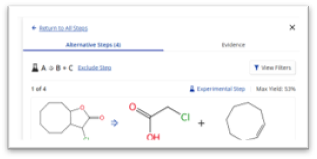
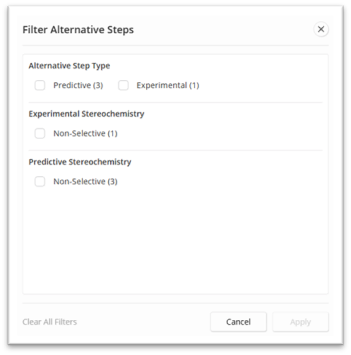
Retrosynthesis: Improved Filtering for Alternative Steps
The filter experience for Alternative Steps in Retrosynthesis has been redesigned for clarity and ease of use.
CAS Newton
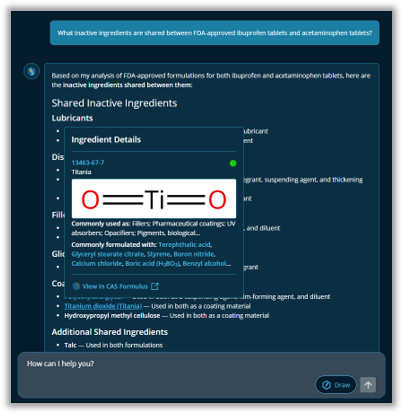
Formulations content
CAS Newton now includes the Formulations content domain, helping users find the information they need to develop safe, effective products and bring them to market faster. Formulations content is integrated with the existing CAS content that CAS Newton accesses, so a single question can return answers drawn from both.
Natural language-to-structure conversion
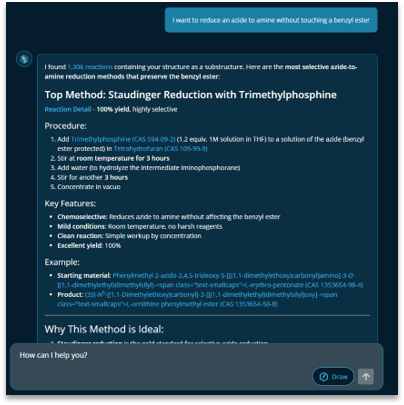
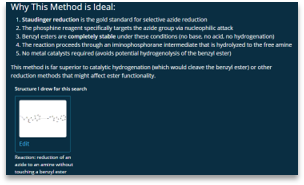
CAS Newton now converts natural language queries into chemical structure representations, making scientific conversation easier and returning more precise, accurate, and complete results. When a user enters a query such as "I want to reduce an azide to amine without touching a benzyl ester," CAS Newton translates the description into a CXF structure representation that it uses in its reasoning and search.
The feature takes a description that spans multiple substance classes and renders it as a single structure representation, so searches run on chemical structure instead of simple text lookups. It also draws complex reaction structures with the full range of CASDraw capabilities,including variable point attachment, atom mapping and locking, among others.